Embark on a journey this summer! Dive into the pages of thrilling tales, explore far-off lands, and meet fascinating characters along the way. Our Summer Library Program offers programs, prize drawings, and more for all ages! All are invited to join.
Griffin Buddies registration is closed! Thank you for your interest!
Welcome to Griffin Buddies! Pair up your Grifflet (emerging reader) with a Big Griff (teen volunteer) to practice reading skills with lots of smiles and encouragement along the way. Each pair will set their own reading goals, which will count toward earning badges and prizes on Beanstack. If your Grifflet completes their goal by Aug. 10, both them and their Big Griff will be entered to win a $25 Shop Oconomowoc Gift Certificate!
Adventure begins at your Library! Each week, a magical door to an imaginary world will appear. Tell us where you think the door will take you to be entered in for a weekly t-shirt drawing.
The doors and drawing slips will be available on the New Children’s bookshelf.
You’re invited to explore all 24 library locations to locate unique treasures and keywords. Collect stamps for a chance to win prizes and discover your libraries. Start your adventure at any one of the 24 member library locations.
Pick up your Treasure Adventure Map. Each family member is welcome to have their own map.
Solve the clue to locate the library’s treasure and write down the keyword.
Visit the designated library desk to get your map stamped for a chance to win prizes each month. One map and stamp per person. Must be present to receive stamp.
Next, visit more libraries and repeat the quest throughout the library system.
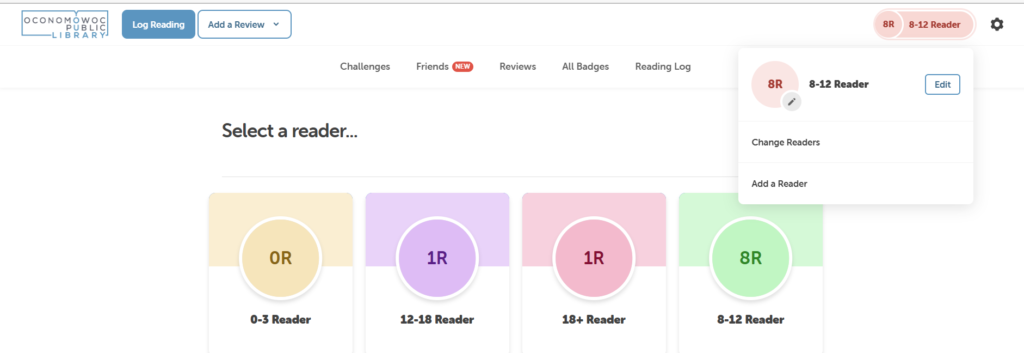
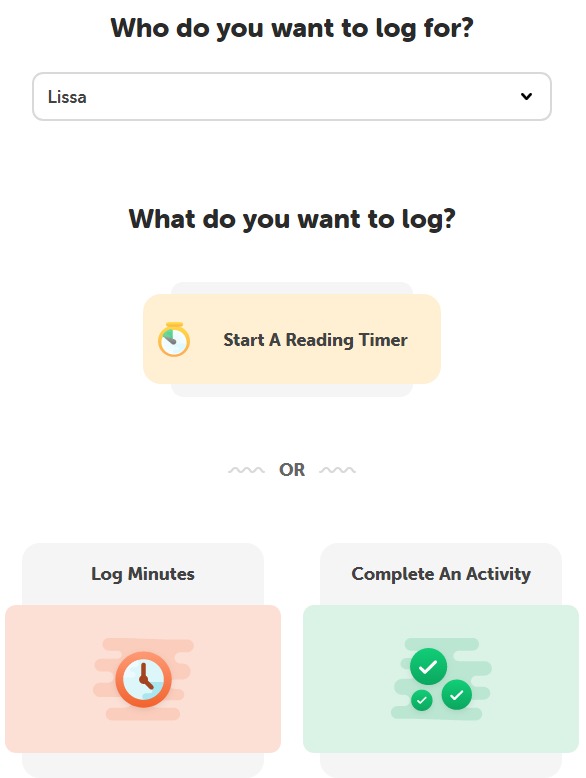
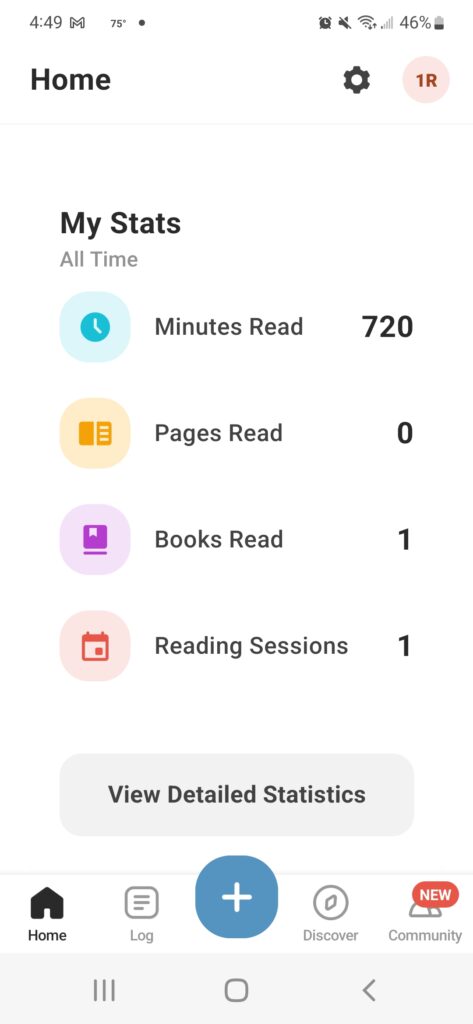
Participate on Beanstack online or the Beanstack app. Track reading and log activities to earn books, coupons, and tickets for prize drawings. Paper logs are available in the Summer Reading Room upon request.
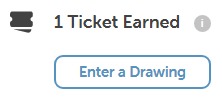
A notification shows when a badge is earned and the number of tickets earned.
Select Tickets.
Select Add/Remove Tickets and + or – to change the tickets deposited toward that prize.
All tickets must be assigned to a drawing by the end of the day August 5.
Beanstack Tandem
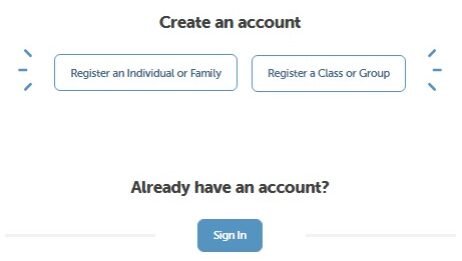
Link your OASD and library Beanstack profiles so logged reading counts at the library too. Don’t have a library Beanstack account? Automatically create one!
Sign in to your school account on a computer (not the app).






 at the bottom of the screen and selecting the challenge.
 to log your reading and activities.
 .
.